Urgent Warning: Malware Spreading Through Telegram in Cambodia
Cambodian authorities are sounding the alarm. The Ministry of Post and Telecommunications has confirmed a sharp rise in Telegram account theft and malware infections across the country, and the method is simple enough that almost anyone could fall for it: open a file, lose your accounts. In at least one active campaign, the final payload is a remote access tool called SparkRAT, which lets an attacker quietly control an infected device from afar.
What’s Actually Happening
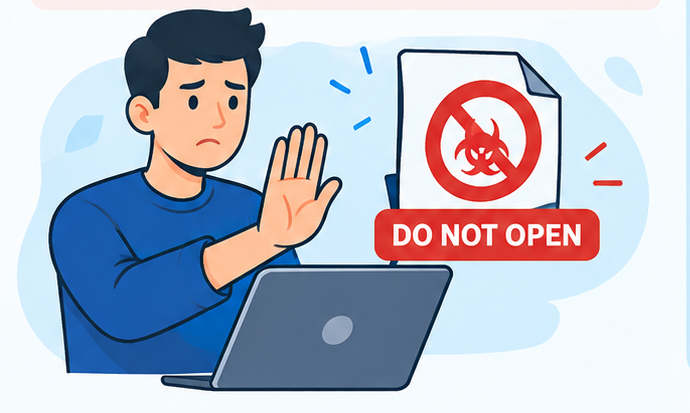
Attackers are dressing up malware as ordinary documents and sending them through Telegram. A photo, a PDF, a “government notice” about COVID-19, anything that looks routine enough to open without thinking twice. Once the file runs, it can steal saved passwords, hijack the victim’s Telegram and Facebook accounts, and in some cases hand the attacker remote control of the whole device. Minister Chea Vandeth posted a direct warning on July 11, telling users not to open or run files ending in .exe, .bat, .vbs, .ps1, .sh, .msi, or .scr. while the Ministry of Interior added that this isn’t a new trick, but scammers are leaning on it harder now simply because so many more people use Telegram, and a good chunk of the attacks appear to trace back overseas. Security researchers have found something worse hiding underneath some of these campaigns: a multi-stage infection chain built specifically with Cambodian lures. One recent sample used a fake “Cambodian Government Notice on COVID-19 Prevention and Control” as bait. Once opened, it sideloads a malicious file through a legitimate signed app, exploits a driver vulnerability to kill off antivirus software, and quietly installs SparkRAT. The victim never sees any of this happen.
What SparkRAT actually does: it’s an open-source remote access trojan, meaning once it’s running, the attacker can browse files, capture screens, log keystrokes, and issue commands on the infected machine as if they were sitting at it. Researchers tracking this cluster found it communicating with two separate command-and-control addresses, a backup in case the first gets blocked, which suggests the operators built this to stay resilient rather than run a quick smash-and-grab. Stolen Telegram accounts don’t just sit there, either. Kaspersky data cited by the ministry shows they get reused almost immediately for investment scams, fake tech support calls, job scams, and impersonation of people the victim already trusts.
How to Protect Yourself
- Don’t open files with these extensions, even from people you know: .exe, .zip, .bat, .vbs, .ps1, .sh, .msi, .scr — a compromised friend’s account can send you a booby-trapped file just as easily as a stranger’s.
- Verify before you click, not after. If a contact suddenly sends you an unexpected file or link, message them a different way (a phone call, a different app) and ask if they actually sent it. Compromised accounts are the main delivery method here.
- Turn on Telegram’s two-step verification. This adds a password on top of your SMS code, so even if someone gets your verification text, they still can’t log in. It’s in Settings > Privacy and Security > Two-Step Verification.
- Check your active sessions regularly. Telegram lets you see every device logged into your account under Settings > Devices. If you spot one you don’t recognize, terminate it immediately and change your password.
- Keep your antivirus and OS updated. Some of these campaigns work by exploiting a driver flaw to disable security software. Patched systems close that door.
- Never disable Windows security prompts “just this once” to open a file. Those prompts exist for exactly this scenario. If a file needs you to bypass a warning to run, that’s the warning.
- Report and warn others. If your account gets compromised, tell your contacts immediately so they don’t fall for messages sent “from you.” Cambodian authorities have also asked victims to report incidents so patterns can be tracked.
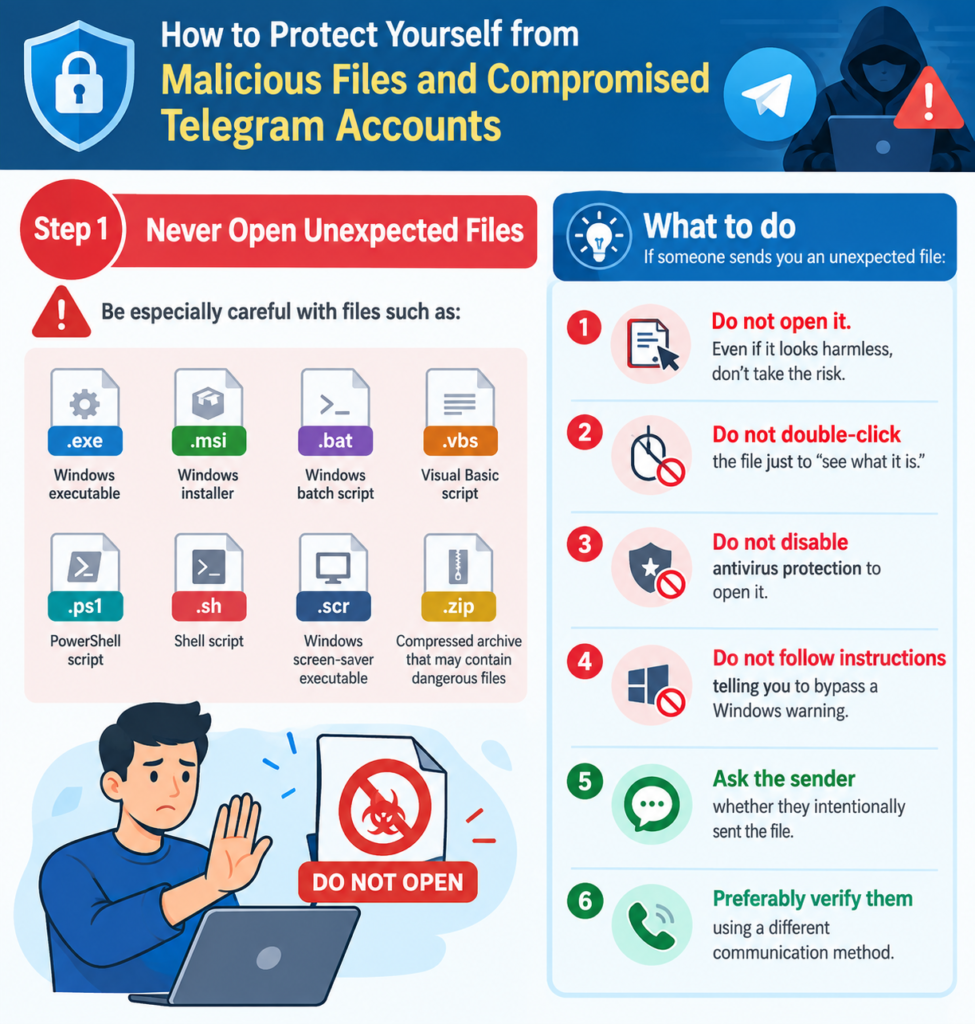
None of this requires sophisticated hacking on the attacker’s end. It works because it’s built on trust. Someone you know sends you a file, you open it without thinking, and now you’re the one sending the next booby-trapped file to your own contacts. Slowing down for ten seconds before opening an unexpected attachment is, right now, the single most effective defence available to ordinary users in Cambodia.
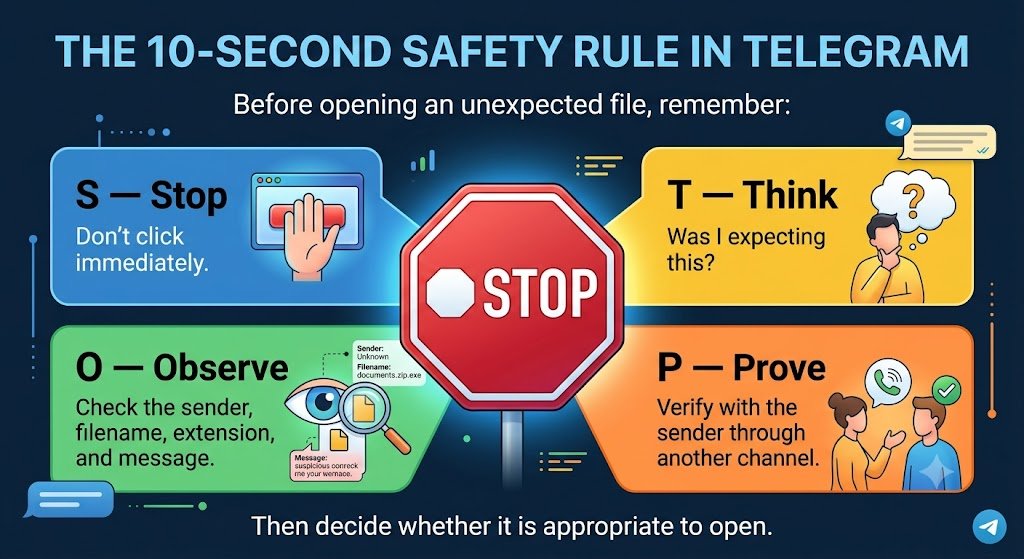
The 10-Second Safety Rule Before opening an unexpected file, remember
Got a file you weren’t expecting in your Telegram? Don’t click it yet. First ask yourself if you were actually expecting to get invoice from a vendor you’ve never heard of, or a “shared document” from someone who doesn’t normally share documents with you. That’s worth ten seconds of suspicion to check who it’s actually from, not just the display name and look at the filename too. A resume or PDF file shouldn’t end in .exe, and a photo shouldn’t need you to “enable macros” to view it. If something still feels wrong, don’t reply to ask if it’s legit through Telegram, please use other message channel to ask the person a different way, or even by text or a call, and ask directly. Only open it once you’re sure.