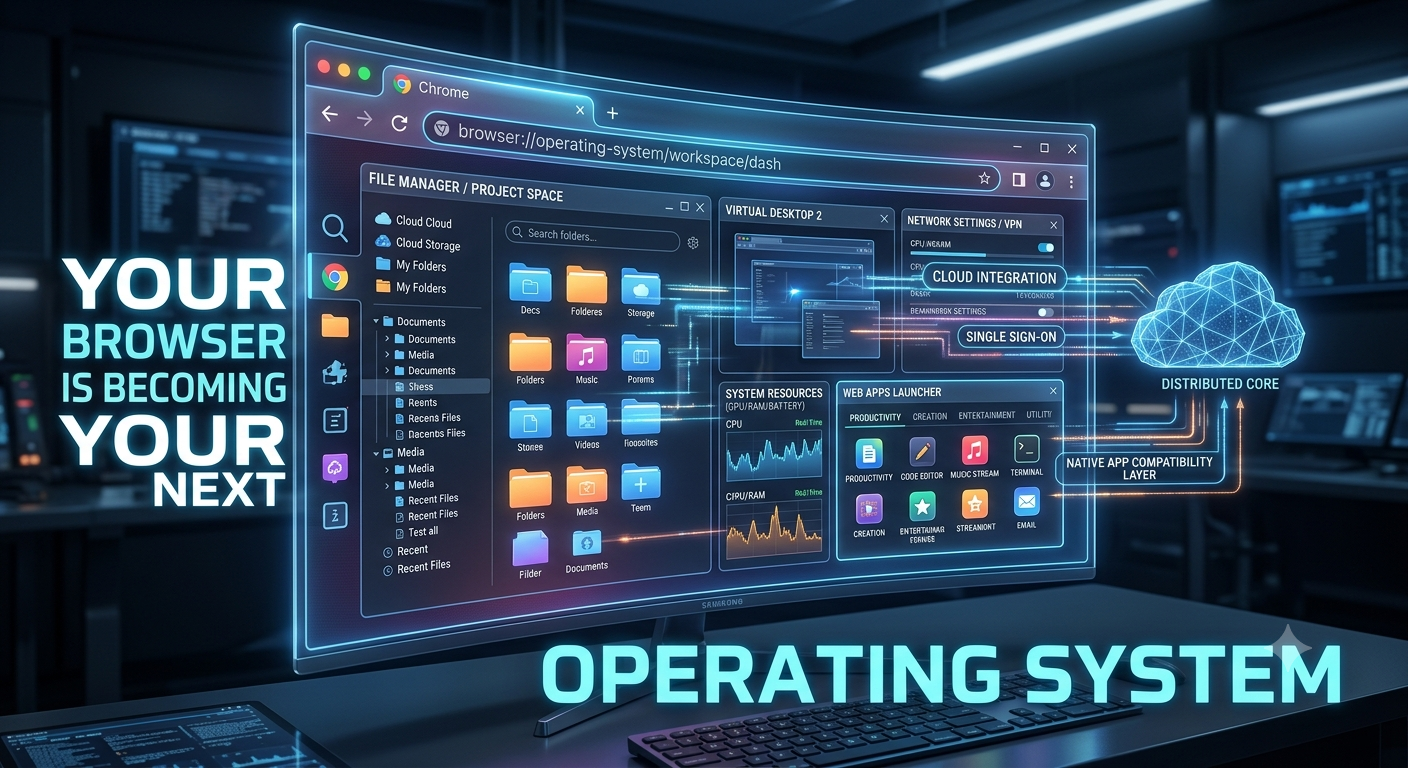
Your Browser Is Becoming Your Next Operating System
I’ve been thinking about this for a while: my browser is basically my computer now, and my computer is just the box that boots the browser. That’s not really an exaggeration anymore. If you’re on a Chromebook, or even just a regular laptop where your whole day happens in Gmail, Docs, and a dozen open tabs, the operating system underneath has quietly become an afterthought. The browser does everything for you and a few things pushed you to open a link with no download, no setup, no “please restart to apply updates.” Cloud technology becomes an online file storage. For instance, OneDrive, Dropbox mean your stuff lives online instead of tied to one machine, so it stops mattering which computer you can assess to.
Progressive web apps blurred the line even further
Spotify’s web player, Google Maps, X these work offline, send notifications, and sit on your desktop like real installed software, even though they’re just websites wearing a costume. Browsers got genuinely powerful under the hood due to the Web Assembly lets them run CAD software, engineering simulations, even high-end games at speeds that would’ve sounded like a joke ten years ago. Full video and audio editors run in a browser tab now. Therefore, IDEs, GitHub, Codespaces, and Replit mean you can write and ship code without installing anything on your computer.
AI is folding into all
AI is folding into all of this too, and honestly this is the part I find hardest to keep up with. Writing help with AI’s assistant prompts, translation, summarizing, image or video generation that help a lot of it now by using the browser rather than in some separate app. And it’s not just answering questions anymore. Agents are starting to fill out forms, compare products, book travel, on your behalf, inside the same tab you’re already in.
Browser’s Extension
Extensions add to the app can be password managers, VPNs, grammar checkers, screenshot tools, or the works. Sign in with Google or Microsoft once and you’re logged into half the internet without creating a new account each time. Bookmarks, passwords, open tabs, and history are all just follows you from device to device. Even security, which used to be squarely an OS job such as sandboxing, malware detection, forcing HTTPS also mostly happen in the browser now. Some communication apps can be accessed through web browser such as Slack, Teams, Meet, Zoom, Notion, and Trello that some people most spend the bulk of their workday in a browser without giving it a second thought. Some companies are moving HR, finance, CRM, and accounting software to the web for the same reason so that employees just need a login and a browser tab, nothing installed on the machine at all. Gaming is following the same path, with Xbox Cloud Gaming and GeForce Now streaming titles that would otherwise need a serious rig sitting under your desk. None of this means Windows, macOS, or Linux are going anywhere but for a lot of what people actually do all day, the operating system has become a formality, and the browser is where the real work happens now.
Bring It Away
It does not matter who you are, whenever you are still using technology for your daily life, you need to understand this shift helps you make better decisions about technology, productivity, and cybersecurity.
Everyday users can spend less on hardware and more on reliable connectivity. Creators can access professional-grade tools without investing in expensive workstations. Digital literacy now includes mastering browser productivity and organization. Developers can build once and reach users everywhere through the web. Security is increasingly about protecting your online identity rather than simply defending your computer.